First of all you need to remove the old CPU or GPU cooler, make sure to not damage anything while doing that
After that (if needed) clean the CPU or GPU surface of any thermalpaste
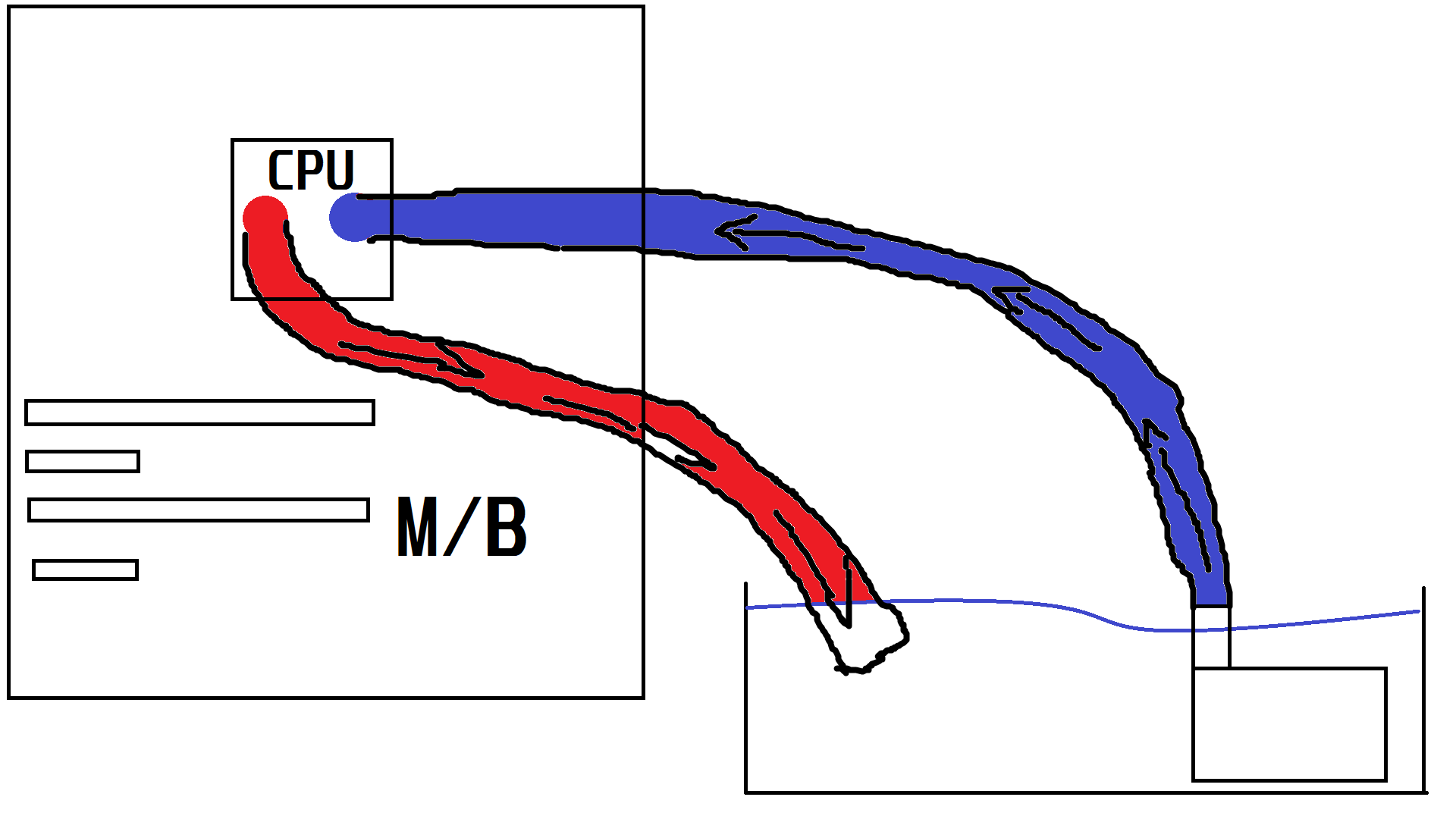
As you can see you will need to connect the pump to the tube, and the other end of the pipe to the resevoir
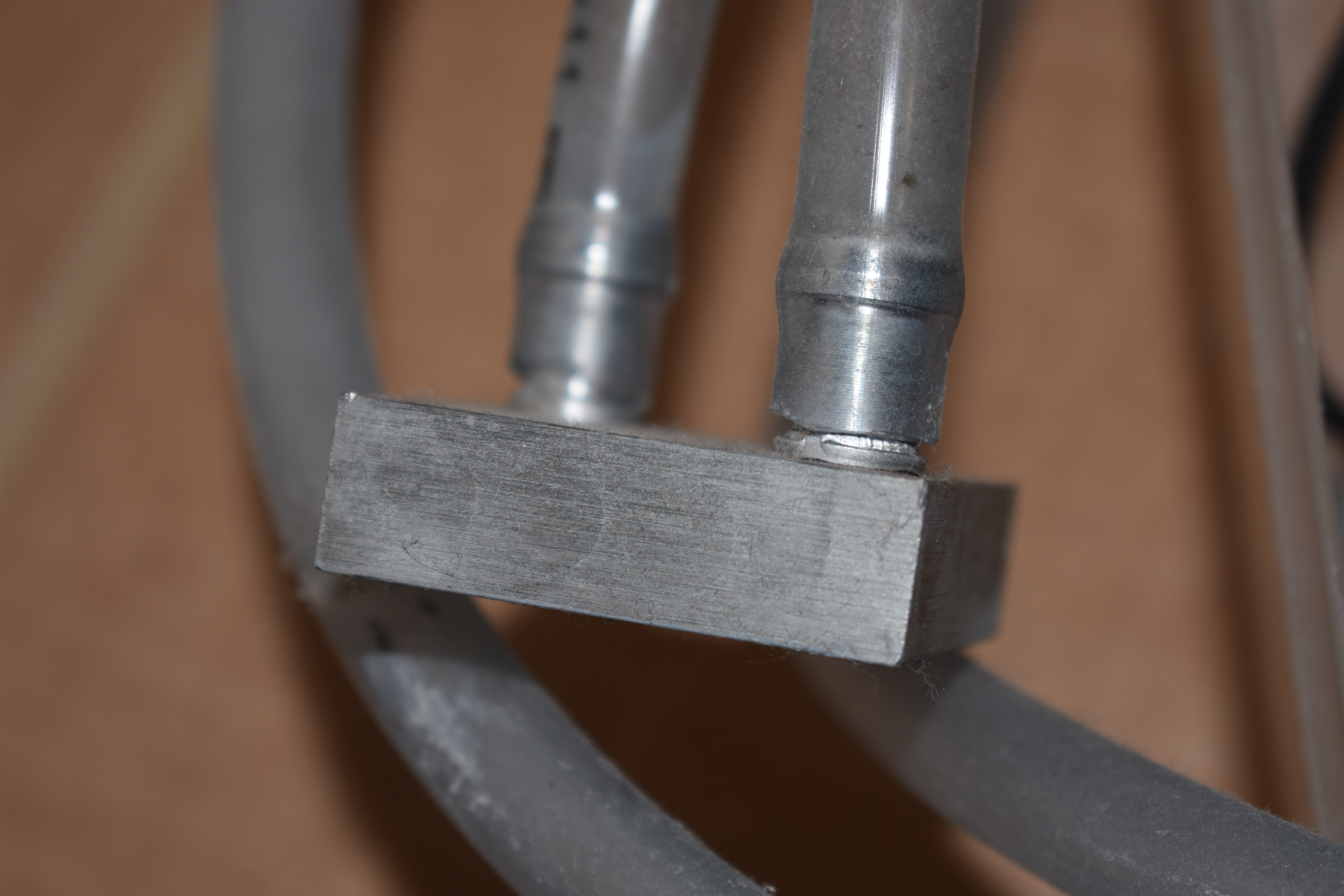
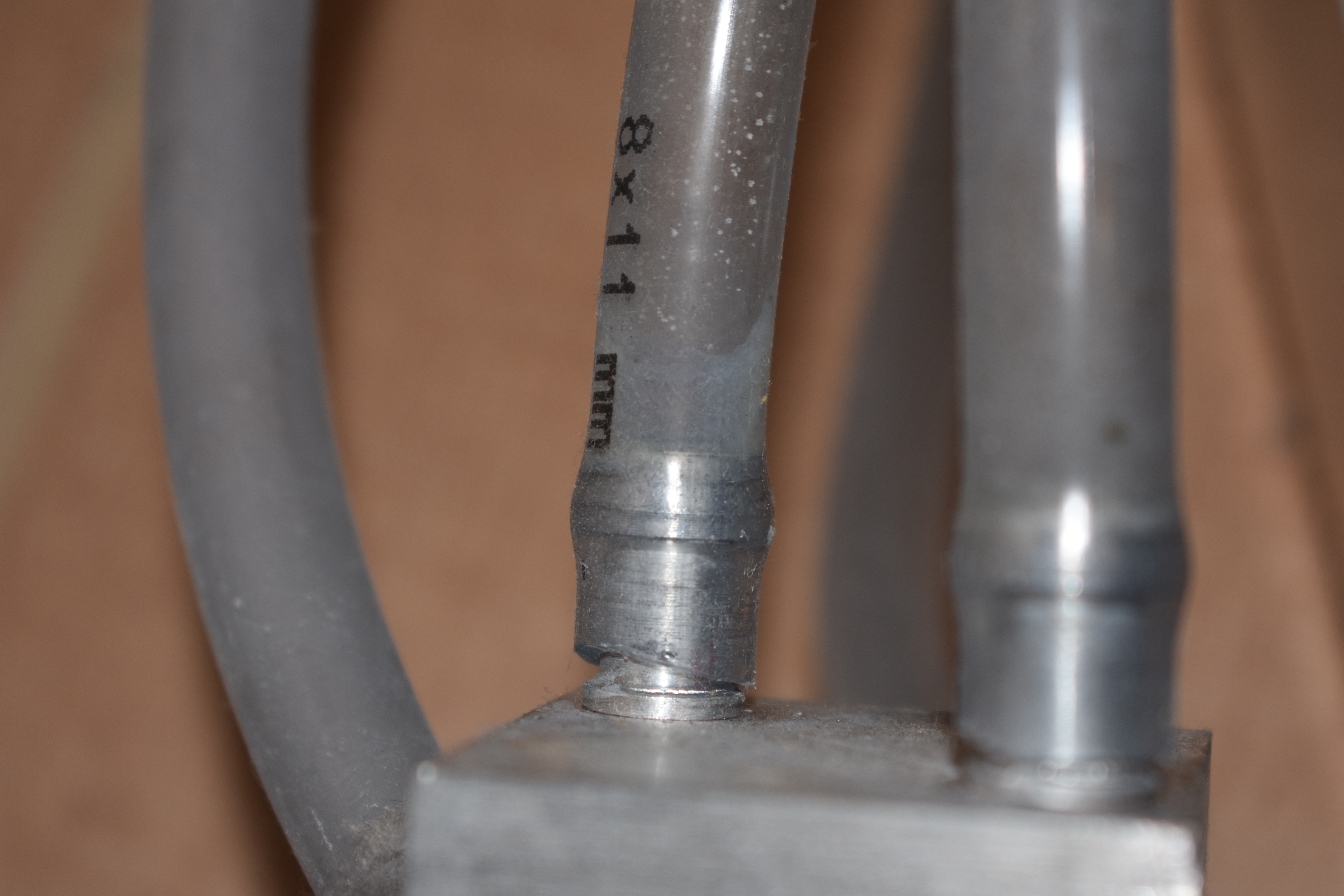
The tube should fit tightly on the CPU heatsink.
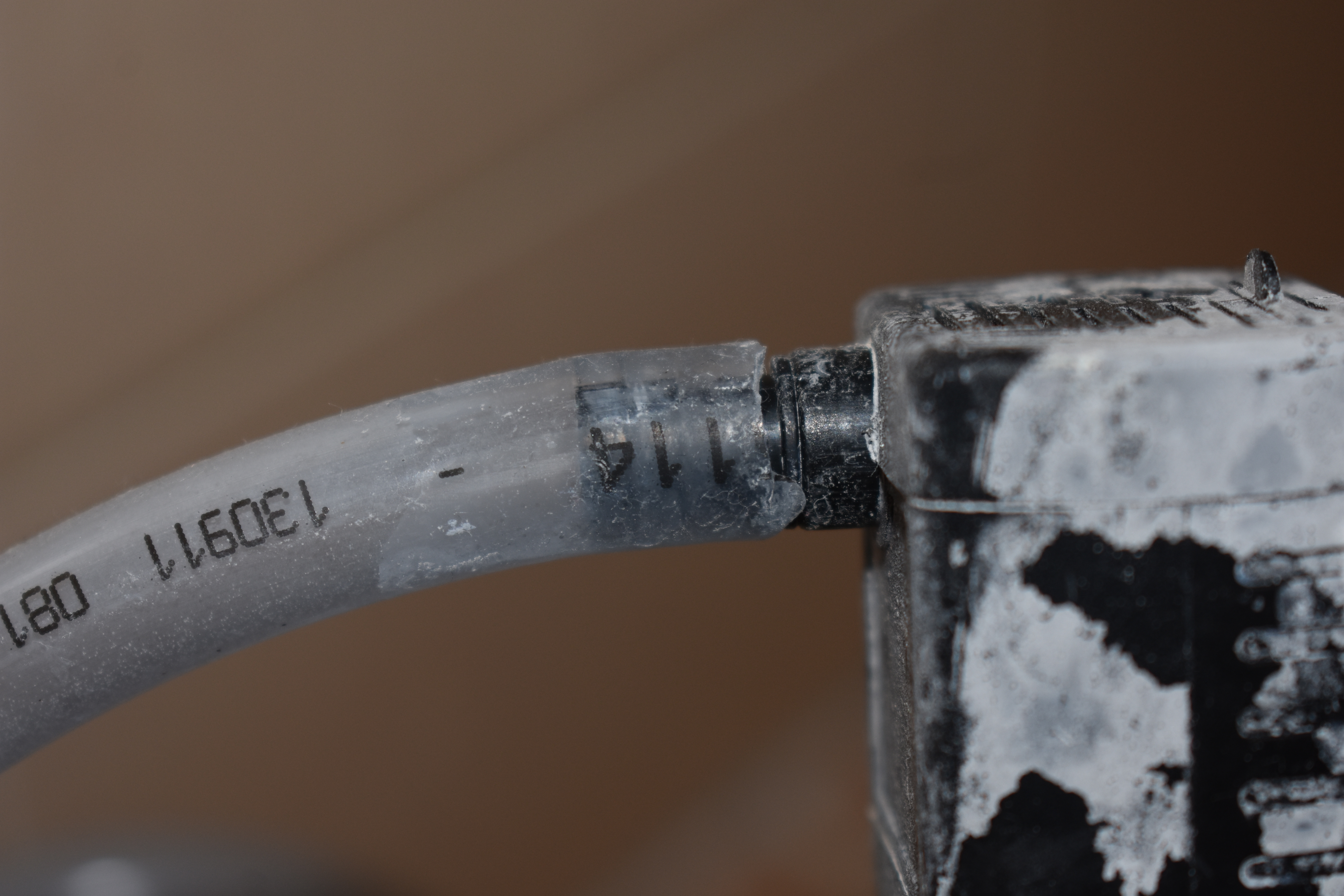
The pumps little "rings" should fit tightly on the tube.
Don't be afraid to apply pressure while applying the tubing to the components
Before you put it in the PC, you should run it in the positon it will be in the case (vertical or horizontal) for around 1-1,5 Hours
Put a sheet of paper under it to check for leaks. If the cooler passes the paper test you can put it in.
If not you should use silicone caulk and repeat the test
Before installing put thermal paste on the CPU!
To hold it in place you can put something heavy on the CPU block (DO NOT DAMAGE THE TUBES!) or you can drill holes into a solid thing using the CPU block without the pipes and secure it with nuts and bolts.
With an Intel Xeon E5-2440 it should run around 60 degrees Celsius
If you feel like the water is hot in the resevoir (CPU heats up, or you put you finger in it and it's hot) you could unplug the pump and empty the resevoir, or put ice in it to cool it down.
You should regulary check for leaks and damages on the tubing and around the CPU unit
You shouldn't use this cooler constantly but it can reduce temperatures in hot rooms, or you can use it if main cooler brokes.
Using this comes with a bit of a safety concern
If cooler leaks on electronics SHUT DOWN the PC immediately (unplug)
Take out the cooler and run the test.
If no component gets damaged dry them with a clean cloth or paper towel, and let them dry completely
reassemble and power up

I DON'T TAKE RESPONSIBILITY FOR DAMAGES, INJURIES OR DEATH!